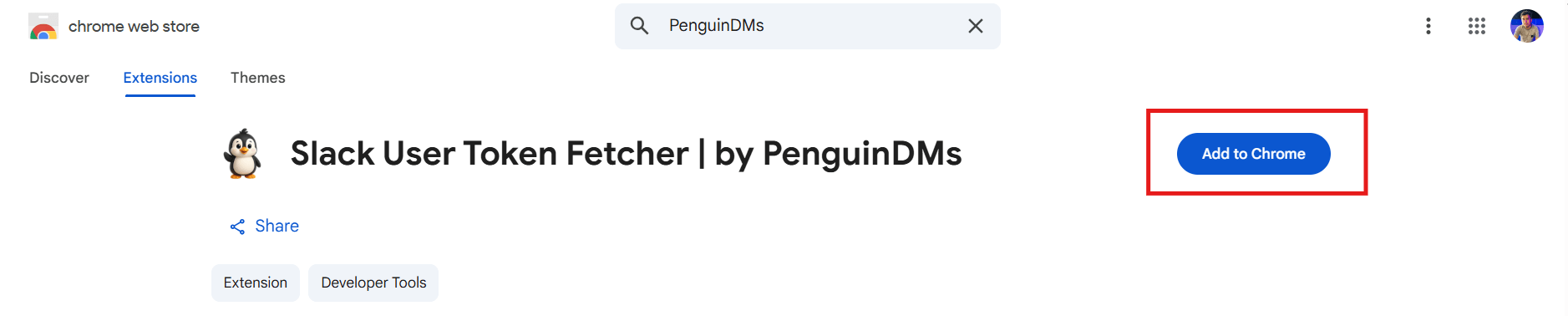
Fetch Your Slack Token in One Click
A simple Chrome extension to grab your Slack user token securely. Nothing stored, nothing shared.


A simple Chrome extension to grab your Slack user token securely. Nothing stored, nothing shared.
A lightweight Chrome extension that helps you quickly fetch your Slack User Token (xoxd) whenever you need it.

A lightweight Chrome extension that helps you quickly fetch your Slack User Token (xoxd) whenever you need it.
Log in to your Slack workspace (app.slack.com/…) in your browser.


Click the PenguinDMs extension icon in your browser, then press the Fetch Token button. The extension will instantly grab your Slack user token and workspace ID.


With one click, copy the token and ID, then paste them into your PenguinDMs user dashboard to start your outreach campaigns.

Your privacy is our priority.
This extension works entirely inside your browser and does not collect, store, or transmit any data.
The Slack user token and workspace ID are only fetched when you click Fetch Token.
All data is displayed locally in the extension popup.
Nothing is saved, logged, or sent to PenguinDMs servers.
No background tracking or analytics.
You are in full control of your data at all times.
Here’s how the extension looks when you use it.

A Slack user token is a unique key (starts with xoxd-...) that lets apps or tools connect to your Slack account. It works like a password, so you should keep it private.
Some tools, like PenguinDMs, use the token to send messages on your behalf. Instead of logging in again, the token connects your Slack workspace quickly.
Yes. The extension works only inside your browser. Your token and workspace ID are shown locally and never sent to our servers. Nothing is stored or shared.
Make sure you are logged in at app.slack.com in Chrome. If it still doesn’t work, check your browser settings to allow cookies for Slack. You can also contact us at support@penguindms.com for help.
Yes. This extension is 100% free and always will be.
Yes, you don't need an account on PenguinDMs to use this extension.
No. It only works on the web version of Slack (app.slack.com) in a browser like Chrome.
For your security. We believe you should stay in full control. That’s why you copy the token yourself and paste it into PenguinDMs when you’re ready.
Install the PenguinDMs Slack Token Extension and fetch your token with one click.
PenguinDMs is a Slack DM automation tool built for founders, marketers, and agencies.
It helps you send personalized messages to all of the members inside any Slack workspace, safely, quickly, and without copy-pasting all day.
© 2025 PenguinDMs.
A product of ContentLinkify LLC. All rights reserved.
Built with ❤️ by someone who’s tired of copy-pasting Slack DMs.